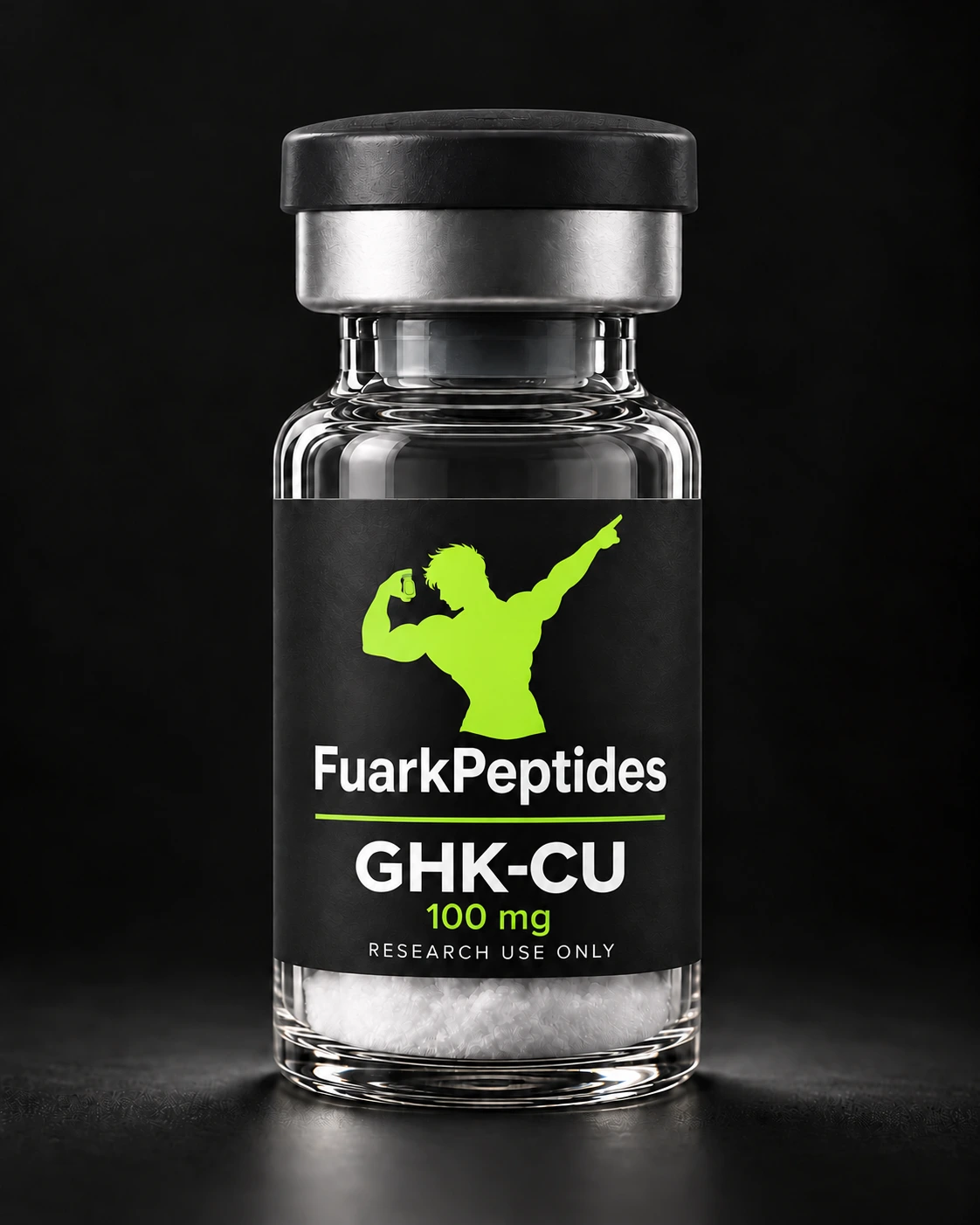
✦ Dispatch within 24 hours   ✦ Plain packaging
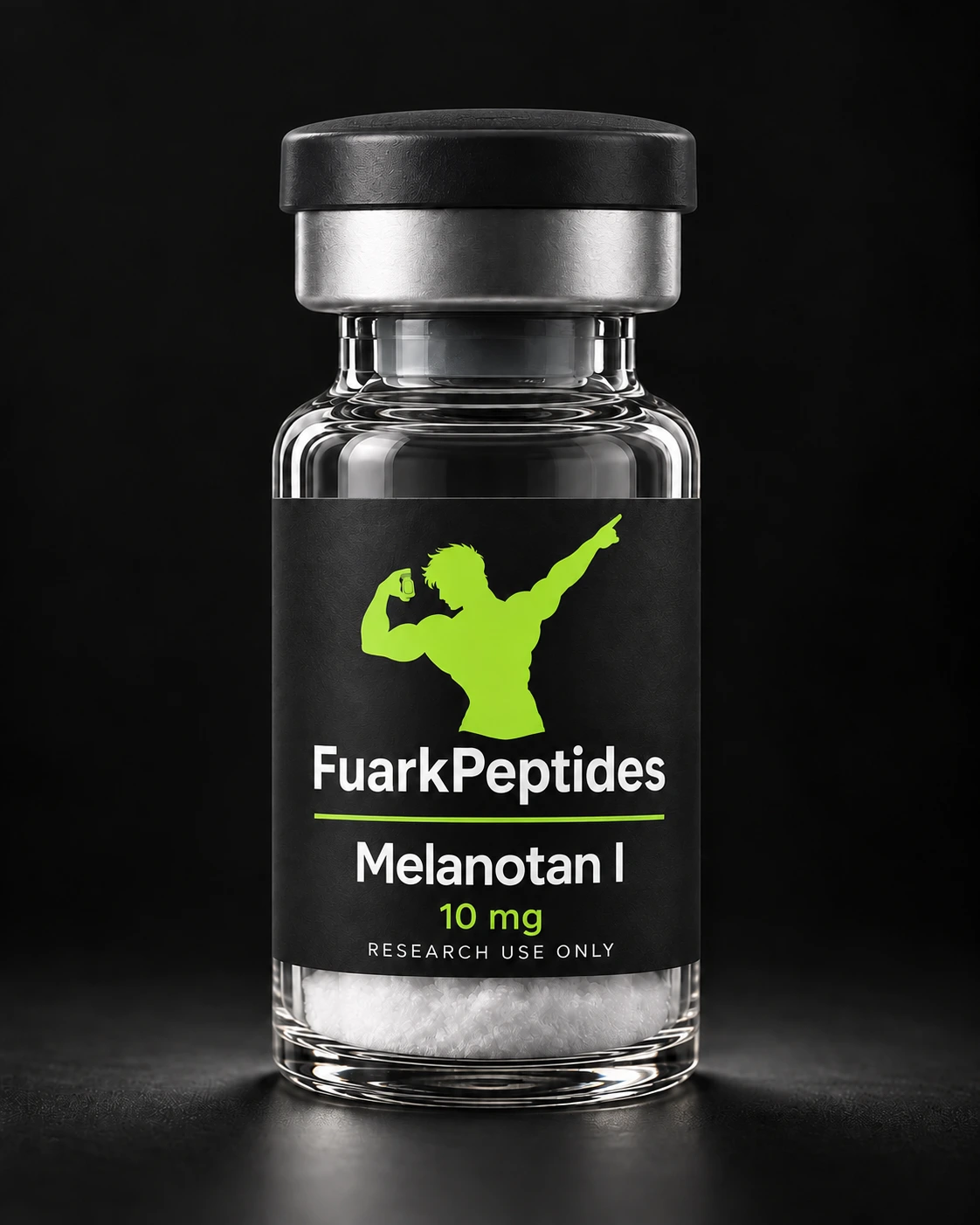
Product illustration · packaging may vary
Skin & pigmentation peptides

Melanotan I

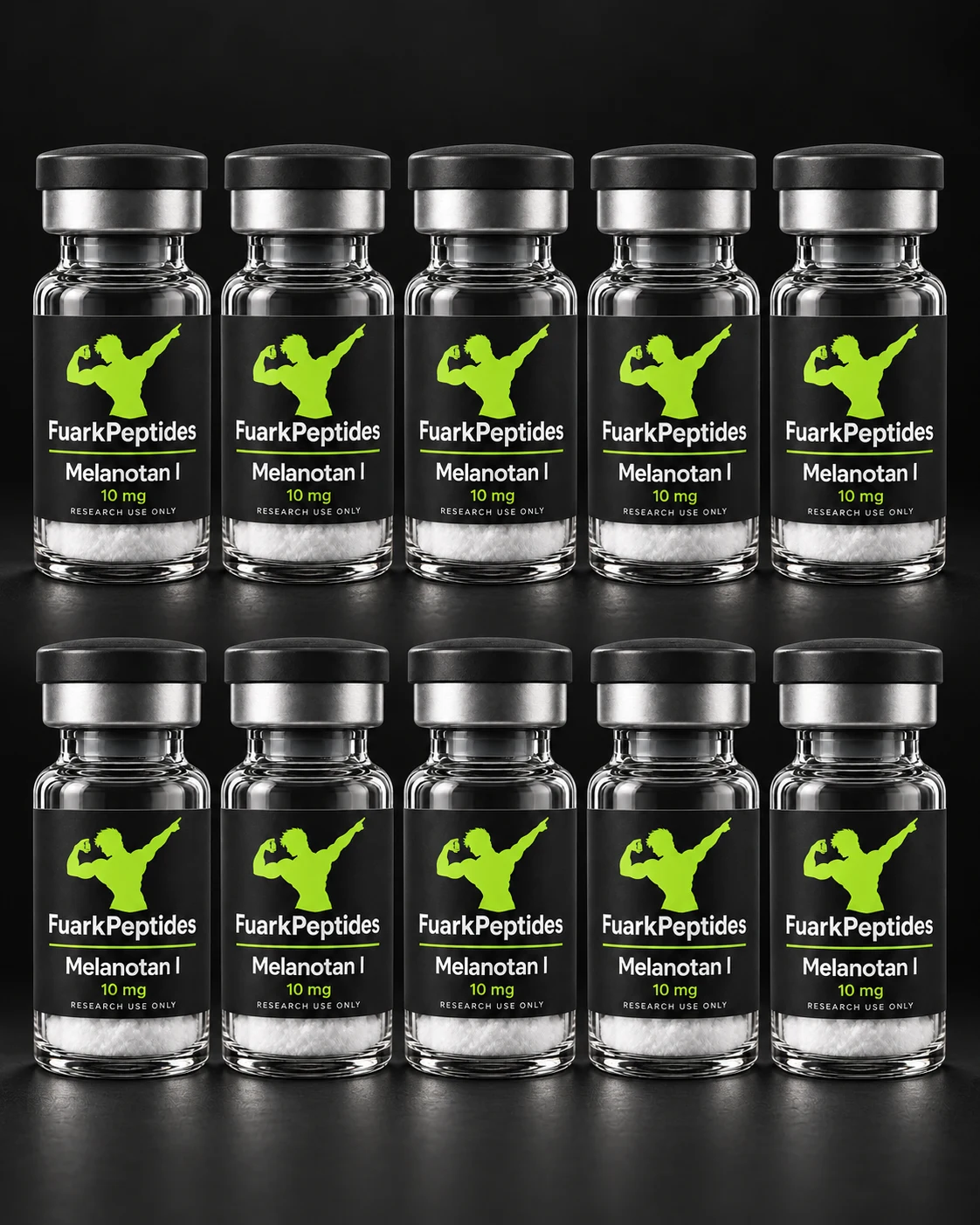
Set of 10 · 10 mg each

Your pack at a glance

10 × 10 mg = 100 mg

The price is for the entire pack.
Pack
10 bottles
Contents per vial
10 mg
Total contents
100 mg
€143.00 €204.29 for 10 bottles · €14.30 per bottle · incl. 19% VAT.

Shipping: €25.00 · free of charge €535.00 merchandise total after discounts

In stock · 8 sets available
1 set = 10 bottles

Total: €143.00

Paying with crypto for the first time? Step by step

You send the cryptocurrency shown on your order page to our recipient address. Prepare the app and credit if possible before ordering so that you have enough time to pay.

No crypto app yet? Here's how to prepare

First check at the checkout to see which currencies and networks are currently offered. You don't have to submit an order yet. Then check with your provider whether you can send exactly this combination to an external address.

Install the app via the provider's official website or app store entry. At an exchange you usually create an account, confirm your identity and deposit euros. Then you buy the currency you need. With a self-managed wallet, you back up the recovery words privately and then need funds in that wallet. The exact steps depend on your app.

Wait until your balance can actually be paid out. A displayed account balance doesn't always mean you can send immediately. Also check the minimum amount, fees and possible waiting times for a new recipient address. Only then should you order, because the payment period begins with the order.

The most important terms

Wallet or exchange
A wallet manages your cryptocurrencies. An exchange offers purchasing and often sending to external addresses. You don't need to set up a second wallet if your exchange supports the appropriate payout.
Currency
The balance you pay with, for example Bitcoin (BTC), Litecoin (LTC) or USDT. The currency specified on your order is decisive.
Network
The transmission method of your payment. Same currency does not automatically mean same network. The selection in your app must match the order.
Recipient address
The long string you send to, similar to an account number. Copy it from your current order page and compare the full address after pasting it.
Network fee / gas
The cost of transmission. An exchange may also charge a withdrawal fee. If you have your own wallet, you may need to have funds in the network currency, such as ETH for a transfer to Ethereum.
Transaction ID / TXID / Hash
The identifier of the transfer on the network, similar to a receipt number. You can find it after sending in your app’s payment details. Keep it in case you have questions about the payment.
Example: Currency and network belong together

If your order says “USDT · Tron (TRC-20)”, you select USDT and the Tron network in your app. USDT over Ethereum (ERC-20) would be another transfer route. This is just an example: Always use the combination that is on your current order page.

This is how you pay for your order

  1. Prepare app and credit. Check whether your app can send the desired currency over the required network. If you don't have any credit yet, find out about purchase and release times there. Registration, identity verification and withdrawal blocks may take time. A purchase alone does not pay for your order.
  2. Plan for fees. Have credit available for the order amount and network or withdrawal fees. Some apps deduct fees from the amount entered. Check “Recipient receives”: We must receive the full amount shown. Don’t just use “Max” or “Send All”. Some networks require additional funds in their own currency for the fee.
  3. Place order and save payment page. At checkout, choose a payment method that your app supports. You will then receive the amount, currency, network, address and payment deadline. Use the crypto amount shown; do not convert the euro price yourself. Save the link to the order page.
  4. Open “Send” or “Withdraw”. Choose currency and exactly the specified network. The same currency can appear on multiple networks. Don't choose another network because of a cheaper fee. If you don't have the right network, don't send and ask us in advance.
  5. Enter address and amount. Copy the information or scan the QR code with your wallet. The QR code can only contain the address; check the amount additionally. If a memo or destination tag is displayed as mandatory information, add this to your app as well.
  6. Compare before confirming. Check currency, network, full address, recipient amount after fees and memo/tag if applicable. Crypto payments generally cannot be recovered. Only send if all information is correct and the payment deadline is still running.
  7. Keep the transaction ID. Open the payment in your app under “History” or “Transactions”. In “Details” or “View in explorer”, you will usually find “TXID”, “Hash” or “Transaction ID”. Keep this reference for questions about the payment. An exchange’s internal withdrawal number is not necessarily the transaction ID on the network.
  8. Wait for confirmation. “Sent” in your app is not yet a payment confirmation. Check the status on your order page. Once payment is confirmed, we prepare shipping. Do not send the same amount again if there is a delay.
Example: Plan fees correctly

For example, your order requires 100 USDT. If your app deducts 1 USDT fee from the amount entered, an entry of 100 would only result in 99. In this example, you would need to enter 101 so that “Recipient Receives” shows 100. If the app charges the fee additionally, the sending amount remains 100. Always take the actual amount and fees from your order and app.

Before “Confirm sending”: this information must be correct
  • Currency and network correspond to the order.
  • The full recipient address is correct; a displayed memo/tag has been adopted.
  • The recipient receives the exact order amount after deduction of all fees.
  • The payment deadline is still running and the balance can be paid out.

What happens after sending?

Your payment is confirmed automatically after at least two blockchain confirmations. You do not need to submit a transaction ID.

If something doesn't work

QR code and wallet on the same phone? Use the copy buttons on the order page and paste the address and amount into your app. You don't need a second screen to pay.

The app asks for a recipient name or further information? Pay attention to your provider’s specifications. If you are missing any required information, ask us before sending. Do not make up any information or use the wallet address as a transaction ID.

Deadline expired and not paid yet? Do not send a new payment to the expired order. Order again and use the current payment details.

Already sent but no receipt yet? Check the payout status in your app. An exchange can still process the withdrawal. If the payment is already in the network, keep the transaction ID and contact us with the order number, even if the deadline has now passed.

Wrong amount, wrong network or wrong address? Contact us with order number, currency, network and transaction ID. Do not send a second payment on your own. Recovery is not always possible.

Access data remains private: Never share your password, recovery words (seed phrase), or private keys. We do not need this information for payment verification.

Request help with payment →

More about wallets and Bitcoin payments: Bitcoin.org: Getting Started. Network Fee Information: Ethereum.org: Gas and Fees (English).

Payment exclusively with cryptoBitcoin · Tether USDTYou will receive the address and QR code after ordering. You choose your currency and network at checkout.
Estimated delivery: 5–10 days after payment confirmation. Applies to all delivery countries.Ships from the NetherlandsShipping: €25.00Free from €535.00 merchandise total after discounts
  • Shipping after receipt of payment
  • Plain packaging

What you receive

  • 10 bottles – individually sealed
  • Contents per vial: 10 mg
  • Storage: freezer (−20 °C), protected from light

Product overview

Product form
—
Aufbewahrung
Im Gefrierfach (−20 °C), dunkel
Intended purpose
Research and laboratory work

Questions before ordering

What is included in the price?

The price is for the entire pack.

10 bottles · 10 mg · Total contents: 100 mg

How should I store the product?

Im Gefrierfach (−20 °C), dunkel

How do payment and shipping work?

Choose your cryptocurrency at checkout. After ordering, you receive the payment address and a QR code. Payment is checked automatically.

Estimated delivery: 5–10 days after payment confirmation. Applies to all delivery countries.

More questions and answers
Who is the product intended for?

Research use only, ages 18+.

Not for use in humans or animals.

Research use only, ages 18+. Not for use in humans or animals.
You might also need

You may also be interested in

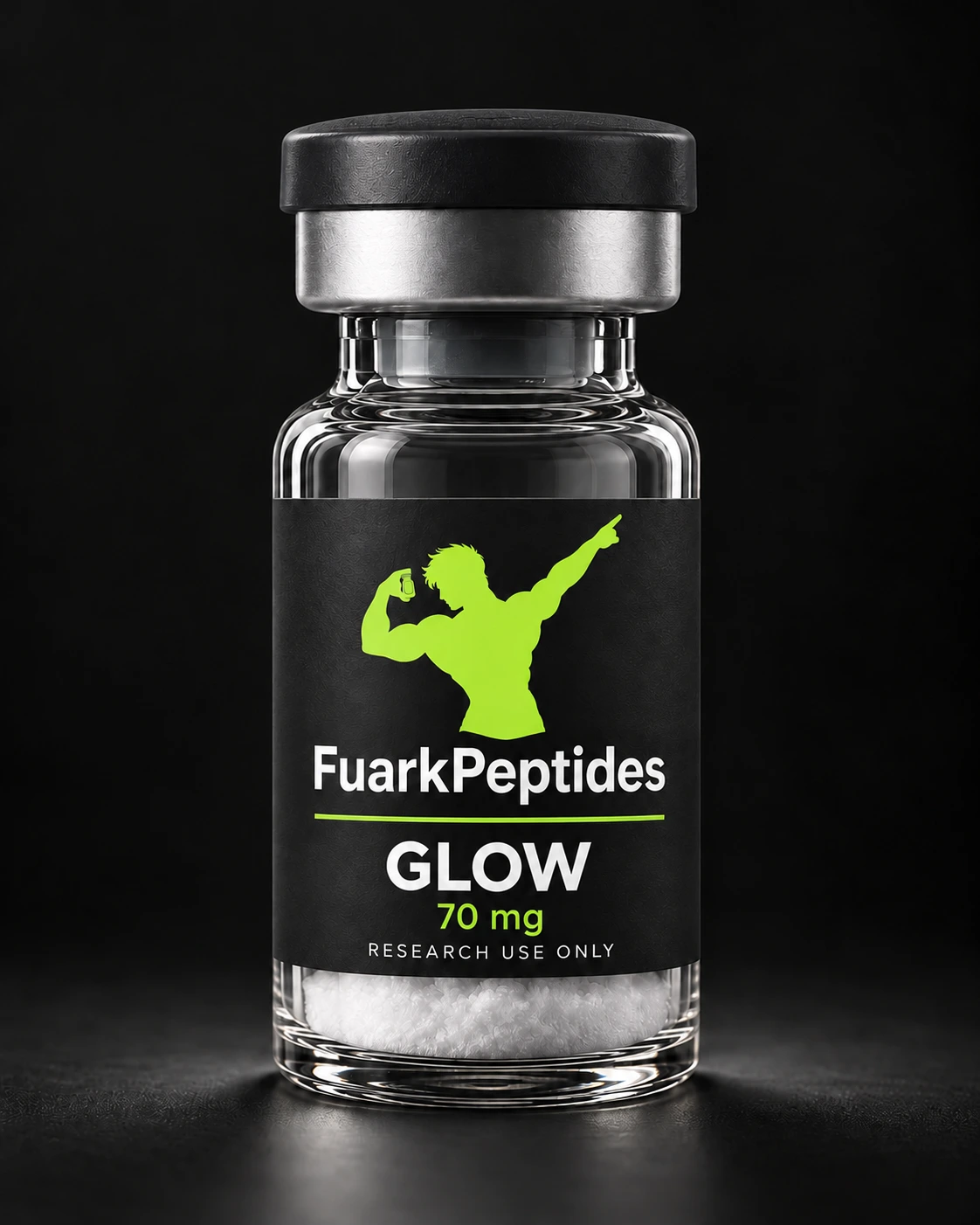
GLOW 70 mg
−30 %
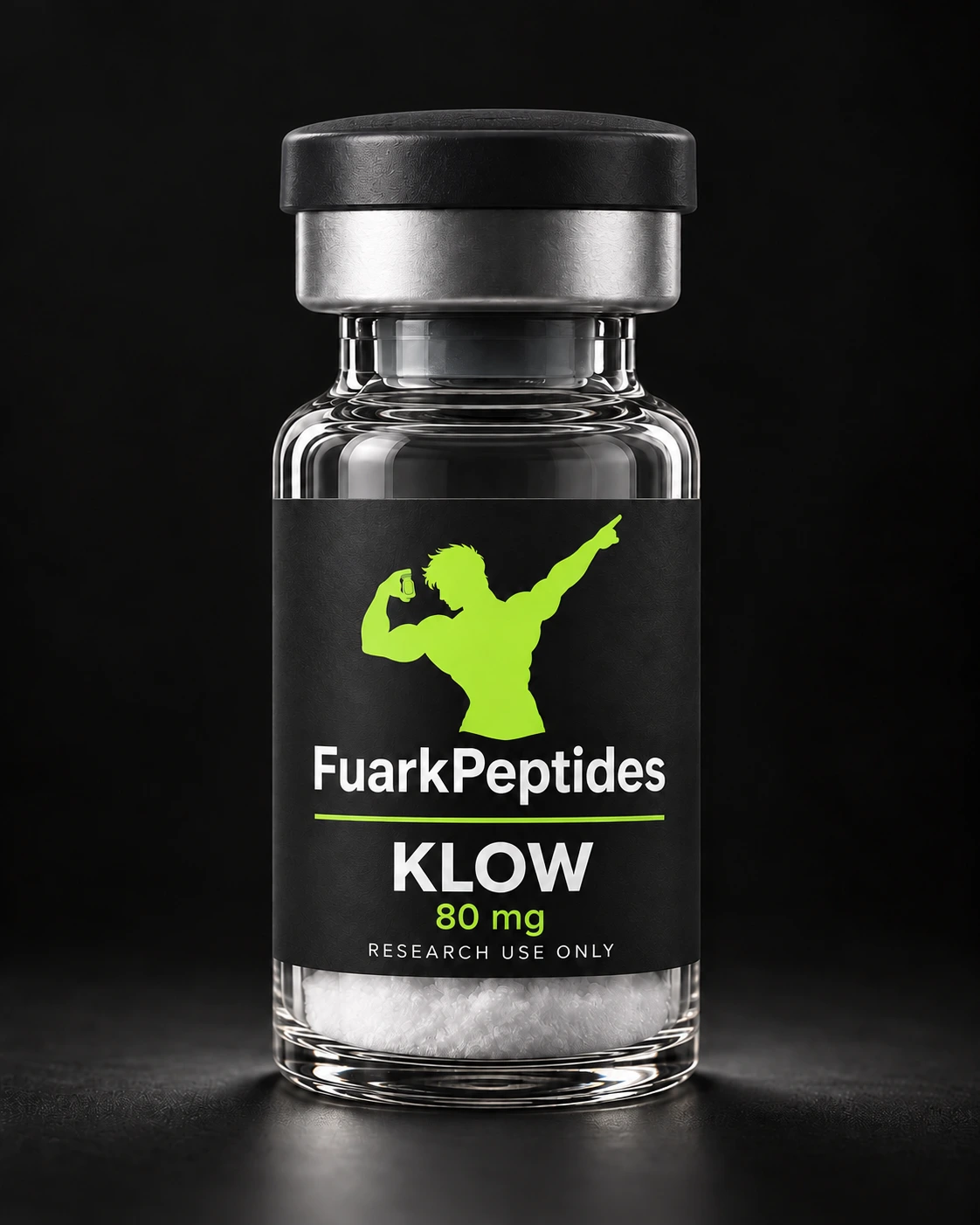
Illustration
GLOW
10 bottleseach 70 mg

Total contents: 700 mg

Ships from the Netherlands
€339.00€484.29 €33.90 per bottle
incl. 19% VAT
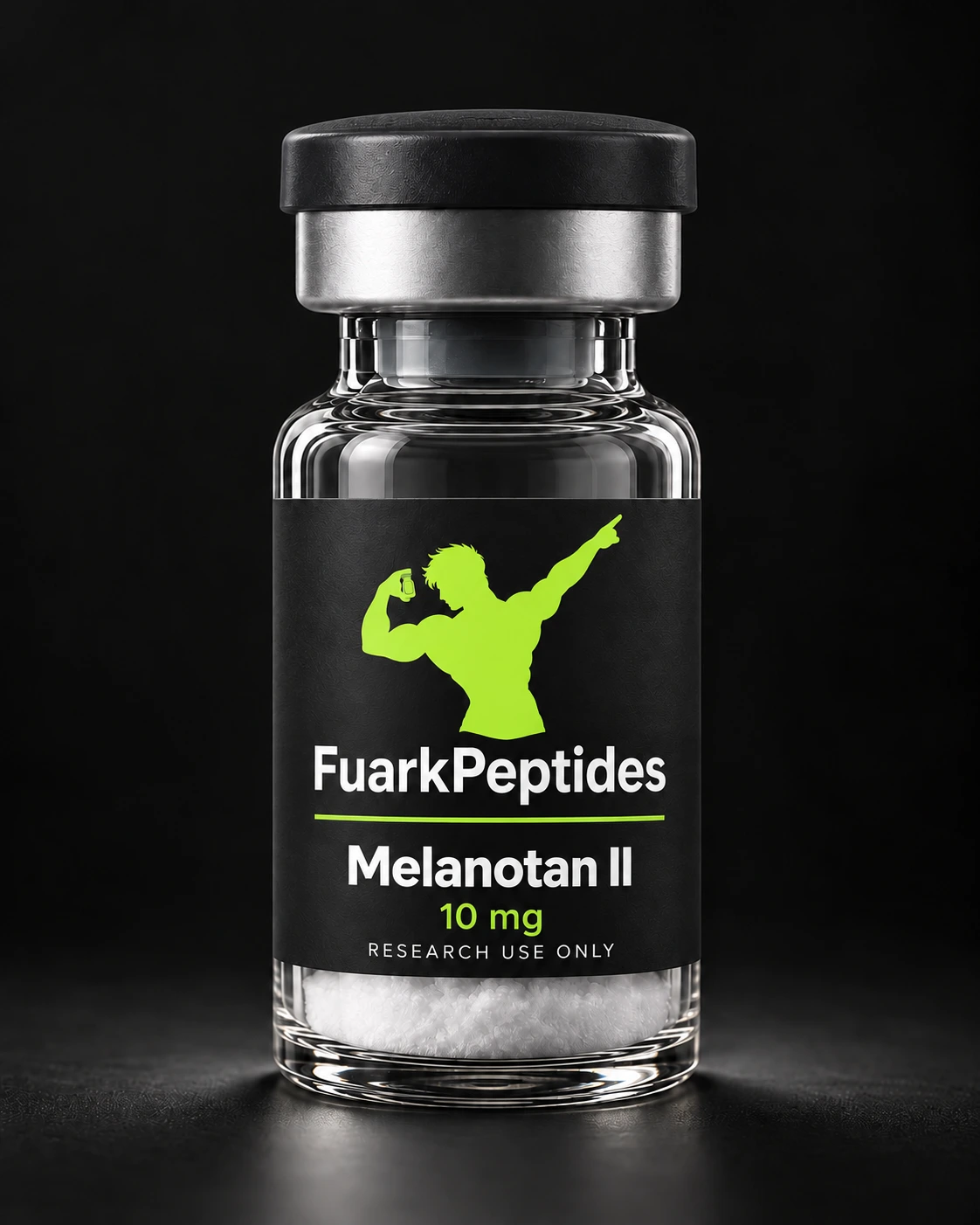
KLOW 80 mg
−30 %
Illustration
KLOW
10 bottleseach 80 mg

Total contents: 800 mg

Ships from the Netherlands
€356.00€508.57 €35.60 per bottle
incl. 19% VAT
Melanotan I · 10 mg€143.00 €204.291 set · 10 bottles
Your selection

In your cart

FuarkPeptides
Age confirmation

Welcome!
Please confirm before entering.

This shop is for adults purchasing for research and laboratory use only. Please confirm both points before entering.

Leave